 Old Aden
Wiki · Chat and commands
Discord colours
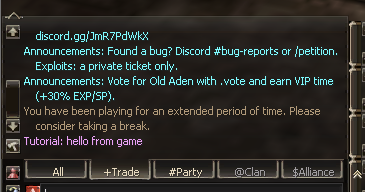
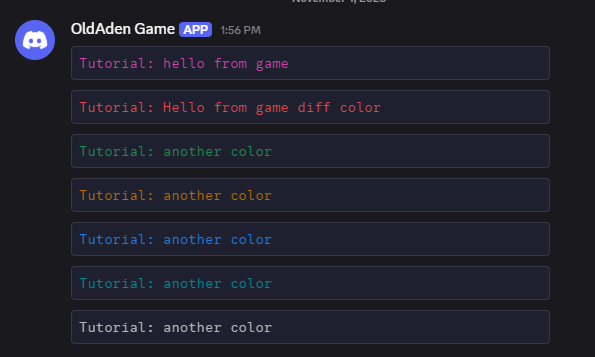
Shout and trade chat also show on our Discord. You pick the colour of your line from the game.
How
Put a colour code and a space right after the channel sign:
- Trade: ++2 WTS bow. The first + is the game's trade sign, so trade needs two plus signs.
- Shout: !+2 WTS bow.
In game everyone sees only "WTS bow"; on Discord the line is red. A single +2 WTS bow is plain trade chat "2 WTS bow", without a colour.
- +1 magenta
- +2 red
- +3 green
- +4 yellow
- +5 blue
- +6 cyan
- +7 white
- +8 gray
Without a code
The line keeps its channel colour: shout yellow, trade magenta. Anything that isn't exactly a plus, a digit 1 to 8 and a space stays part of your text, in game and on Discord: "+ WTS", "+2WTS", "+9 WTS" and "+10 sword" are shown as typed.
More in Chat and commands: Chat commands