 Old Aden
Wiki · Getting started
New players
Old Aden is retail Lineage II Interlude on a PTS server: retail formulas, AI and quests. If we changed something, it is on the Features page.
Your first steps
- Make a website login and create your game account under My accounts.
- Install the client from Download.
- Buffs come from players, clan halls and the Newbie Helper in every starting village. There is no NPC buffer and no GM shop.
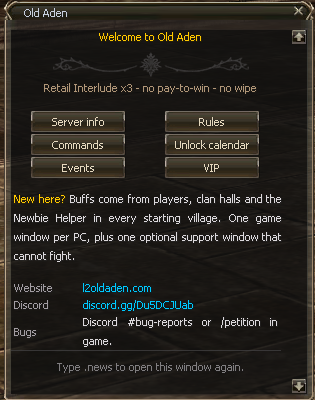
- Type .news in game to open the welcome window again.
Community board
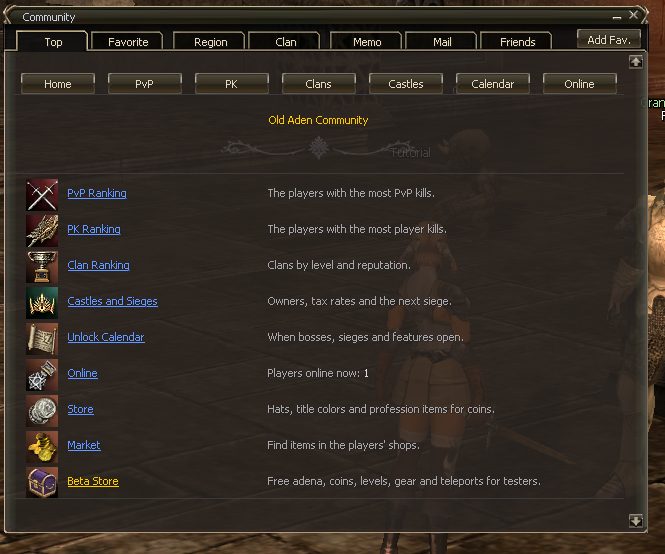
Press Alt+B to open the community board. Its tabs:
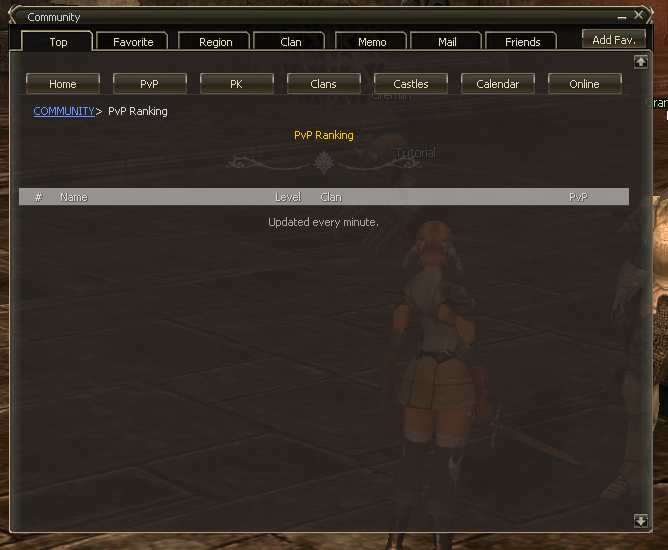
- Top: the home page with the rankings, castles, the unlock calendar and the online count.
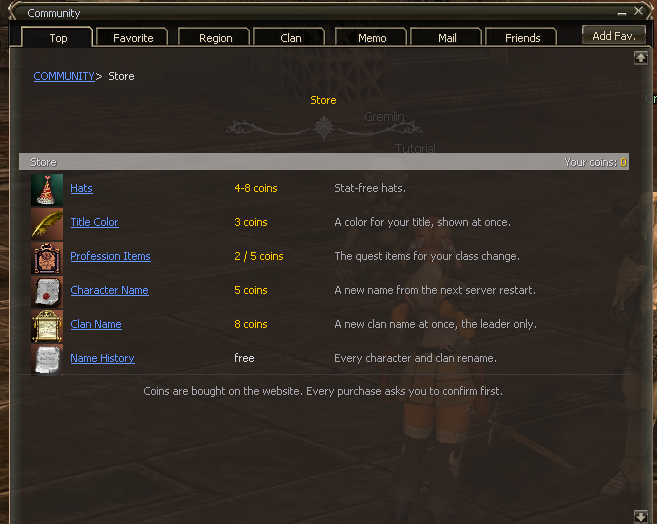
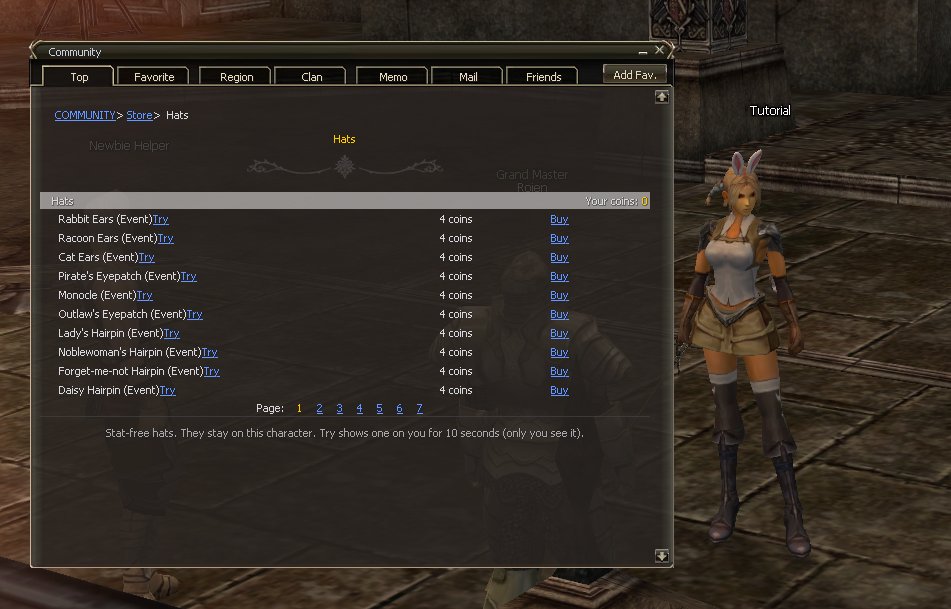
- Store: hats, title colours, profession items and renames for coins.
- Market: search the items in players' private stores.
- Clan and Friends: as in retail.
- Vote: claim the VIP time for your votes.
- Info: rates, unlocks, commands and where to get help. The Help button at the top right opens it too.
The Store tab sells stat-free hats, title colours, profession items and renames for coins bought on the website.
Try next to a hat shows it on your character for 10 seconds; only you see it.
Where to ask
- Discord: the link at the top of every page.
- Bugs: Discord #bug-reports or /petition in game. See Reporting and petitions.
More in Getting started: Windows per PC and the support window